
Sharing a Folder in Google Drive

To see how to create a folder in Google Drive click here: Creating a folder in Google Drive
Step 1
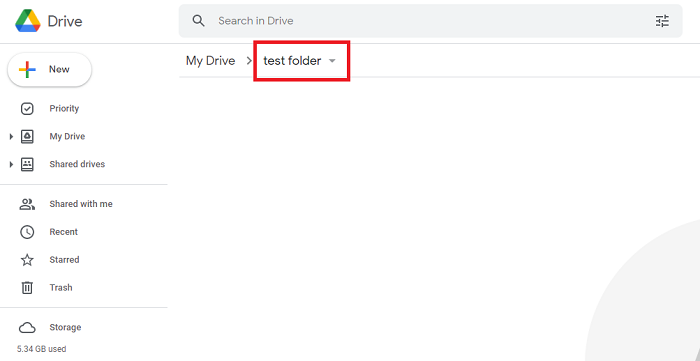
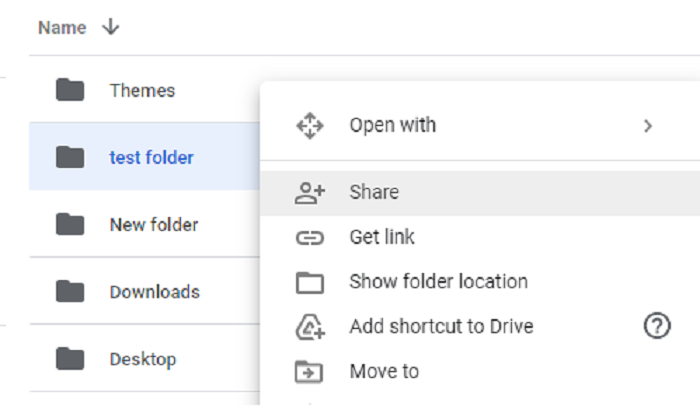
In the folder of your choice click the folder name at the top or secondary click the folder in My Drive.
Step 2
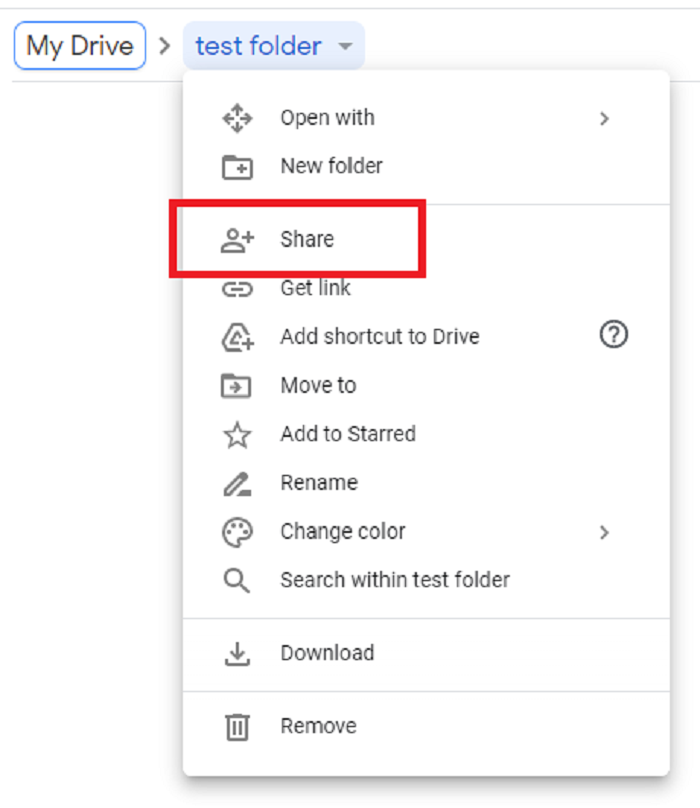
Click Share
Step 3
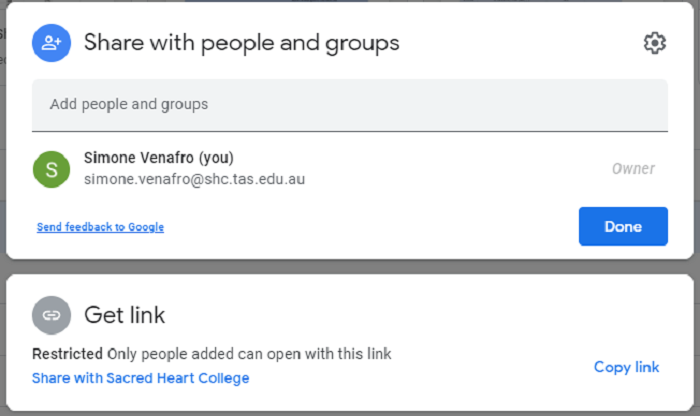
Here you can type someone's name or copy a link to send to added people or groups.
Step 4
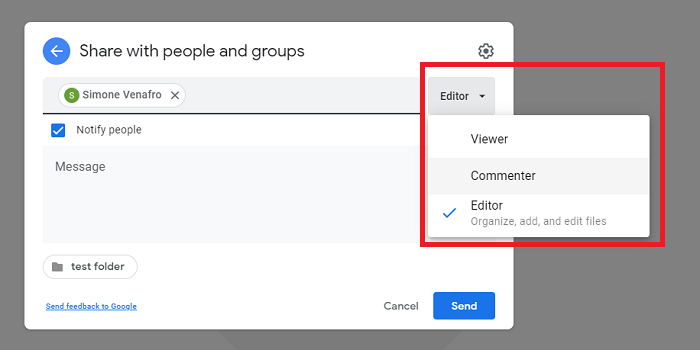
Once you have selected the person you are sharing to you can edit their permissions by clicking Editor.
Step 5
Click Send to share the folder.
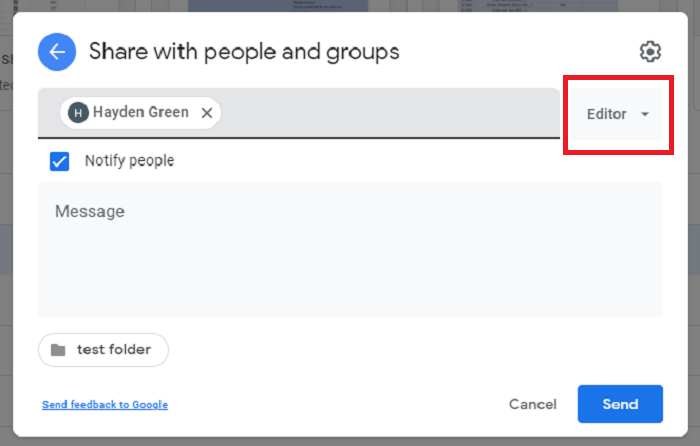
Here you can select multiple people or groups & choose to notify people.