
Upload Work via the Web

If you do not have the Google Drive application, you can still upload work to your My Drive through Google’s website.
Step 1
Log in to drive.google.com with your Sacred Heart College email address.
Step 2
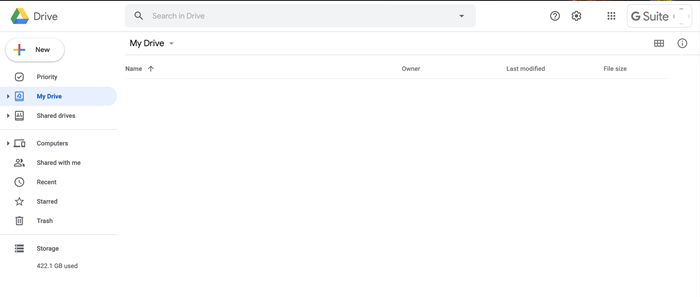
Select My Drive, locate the file you want to upload and drag it in to the empty space on the screen.

You can share a file with anyone by right clicking the file or folder and selecting Share and entering their email address.