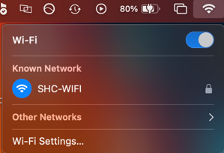
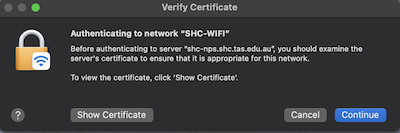
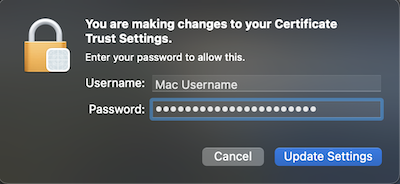
Accept Trust Certificate macOS Click on the WiFi icon and then SHC-WIFI Click Continue. Type in your Password and click Update Settings.